Wedding Album Design Guide: How to Choose, Design, and Create an Album You Will Treasure for Decades
Wedding album guide: types, design process, image selection, cover materials, costs, and why a printed album matters.

by Sarah Glasbergen on 24 June 2026
Web editor
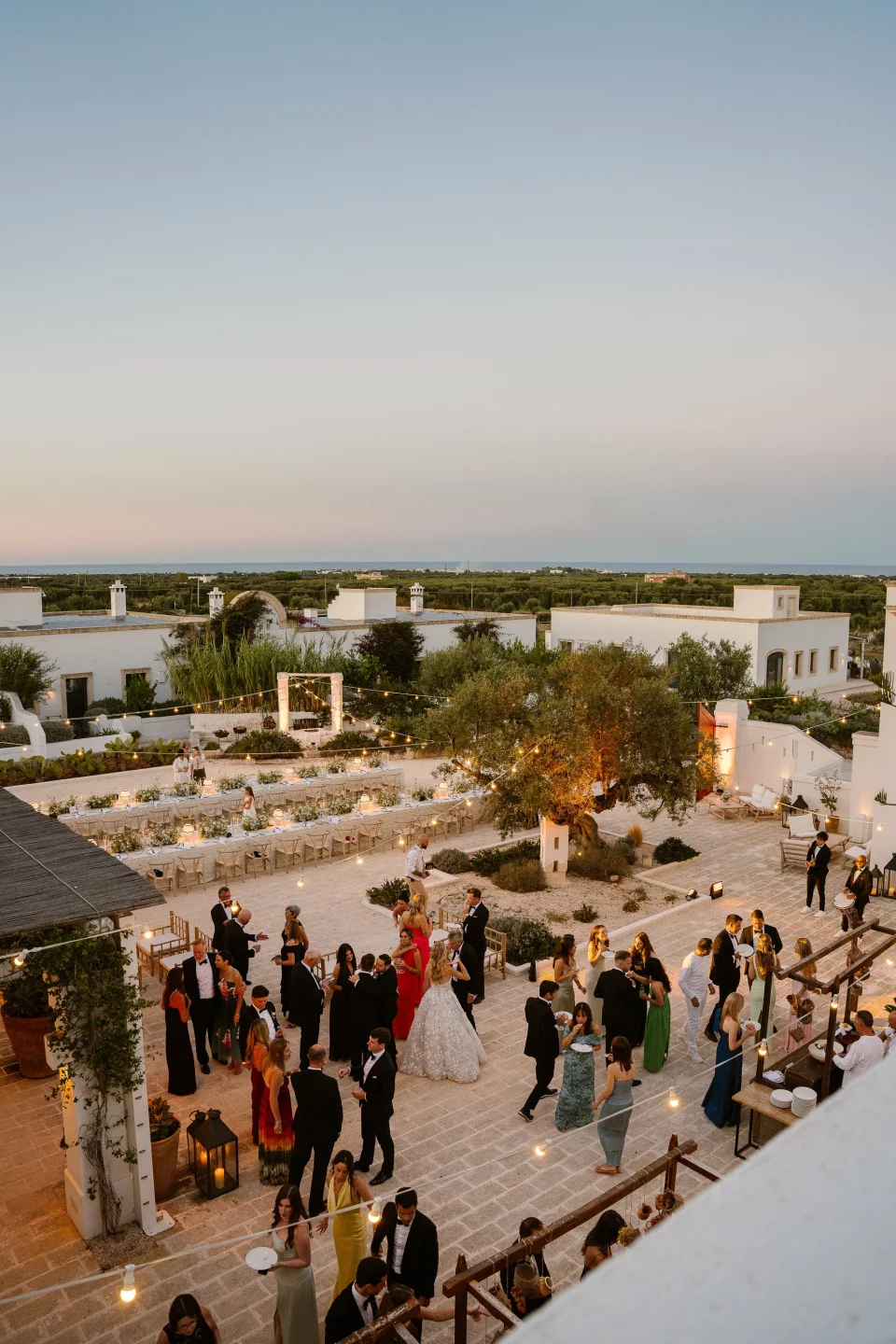
TLDR: In an era of digital galleries and social media, a physical wedding album remains the most enduring, tangible keepsake of your wedding day. Digital files get lost, cloud services shut down, and phone screens are replaced, but a printed album on your coffee table is opened, shared, and treasured for generations. ThePerfectWedding.com's photography and design experts cover the album types, the design process, how many images to include, the cost comparison between photographer albums and DIY options, and the timeline for getting your album into your hands while the wedding day is still vivid in your memory.
Key Facts at a Glance
- Photographer-designed wedding album: $500 to $3,000+ depending on size, pages, and materials (Source: The Knot, 2025)
- DIY album from an online service: $100 to $400 for comparable quality with self-design (Source: WeddingWire)
- 50 to 80 images is the ideal range for a cohesive, well-paced wedding album (Source: Brides.com)
- Only 30% of couples who receive digital files ever create a printed album. Do not be in the 70% who regret it later (Source: Zola)
- See our photo shot list for ensuring complete coverage and our photographer guide for album-related contract questions

Album Types
Flush-mount (lay-flat) albums
The premium standard for wedding albums. Pages lay completely flat when opened, allowing images to span across two pages without a center gap or crease. Images are printed directly onto thick, rigid pages that do not bend or crinkle. The result feels like a luxury art book.
- Pros: the most professional look and feel, images span full spreads seamlessly, extremely durable (no page bending), best for showcasing panoramic and landscape images
- Cons: most expensive option ($500 to $3,000+), heavier and thicker than other types, typically ordered through your photographer rather than DIY
- Best for: couples who want the highest-quality keepsake and are willing to invest in a heirloom-grade product
Photo books (printed on paper pages)
Professional-quality printed books with thin, paper-like pages similar to a high-end magazine or coffee table book.
- Pros: more affordable ($100 to $500), lighter weight, available through both photographers and DIY services (Artifact Uprising, Shutterfly, Blurb, Mixbook), easier to order multiple copies (for parents, grandparents)
- Cons: pages have a visible center crease that interrupts two-page spread images, thinner pages are more susceptible to wear over time, and the feel is less "premium" than flush-mount
- Best for: budget-conscious couples, parent albums (order 2 to 3 copies at lower cost), and couples who want to design the album themselves
Matted albums
Individual prints are placed behind matted cutouts on each page, similar to a traditional photo album with windows.
- Pros: classic, traditional look. Each photo is individually highlighted. Archival matting protects prints from contact and fading. The most "heirloom" feel
- Cons: fewer photos per page (1 to 3 per spread vs. 3 to 8 in flush-mount), bulkier, more expensive per image, and the design options are more limited
- Best for: couples who love traditional photography presentation and want each image to stand alone as a framed piece
The Design Process
Selecting your images
From your gallery of 400 to 800 images, you need to select 50 to 80 for the album. This curation is the hardest part and the most important. Guidelines:
- Tell the story chronologically: start with getting-ready, move through the ceremony, cocktail hour, reception, and end with the exit. The album should read like a narrative, not a random collection
- Choose variety within each section: wide shots (showing the venue, the crowd, the scale), medium shots (small groups, interactions), and close-ups (details, expressions, hands, rings) create visual rhythm. Avoid 10 consecutive close-ups or 10 consecutive wide shots
- Include emotion over perfection: the slightly blurry image of your parent wiping a tear during the vows is more valuable than a technically perfect posed shot with no emotion. Albums preserve feelings, not just faces
- Do not try to include every guest: the album is about the day, not a yearbook. Include the moments that matter most, not a portrait of every table
- Trust your photographer's favorites: they selected their best work for the gallery. If they recommend specific images for the album, their eye is usually right. A professional sees narrative, light, and composition that non-photographers may miss

Layout and design
- Photographer-designed: your photographer (or their album designer) creates the layout based on your selected images. Cost: typically $200 to $500 design fee included in the album price. You review, request changes, and approve before printing. This produces the most professional result
- Self-designed: using online tools from album companies (Artifact Uprising, Shutterfly, Blurb, Mixbook) or professional software (SmartAlbums, Fundy). You control every layout decision. Takes 4 to 10 hours depending on your design experience. The result can be excellent if you follow design principles (see below)
Design principles for self-designed albums
- White space matters: do not fill every square inch of every page. Breathing room around images creates elegance. Crowded pages feel cluttered
- Consistent margins: keep margins (the border around images) consistent throughout the album. Inconsistent margins look unprofessional
- Vary the layout: alternate between full-page images, 2-image spreads, 3-image spreads, and detail collages. Repetitive layouts become monotonous
- One hero image per spread: each two-page spread should have one dominant image (larger, full-bleed or featured) supported by 1 to 3 smaller images. Avoid giving every image equal size
- Color and tone consistency: your photographer's editing style should be consistent across all images. If mixing images from different photographers or adding day-after or engagement images, ensure the editing tones match
Album Covers and Materials
Cover options
- Leather (genuine or vegan): the most classic and durable. Ages beautifully. Available in black, brown, tan, white, and colors. Embossing or debossing with names and date is common ($25 to $75 additional). Cost premium: $50 to $200 over standard covers
- Linen or fabric: softer, modern, and available in a wide range of colors. Natural linen has a beautiful texture. Pairs well with minimalist design. Slightly less durable than leather but easier to match wedding colors
- Photo cover: a full-bleed image printed on the cover. Immediately identifies the album's contents. The most personalized option but can look dated as photography trends change
- Acrylic or glass cover: a transparent or printed acrylic/glass panel over the cover image. Modern, sleek, and eye-catching. Premium option at the highest price point
Page count and size
- Standard album: 30 to 50 pages (15 to 25 spreads). This comfortably holds 50 to 80 images with proper spacing and variety. More pages increases cost ($5 to $15 per additional page for flush-mount)
- Standard sizes: 10x10 inches (square, the most popular), 12x12 inches (larger square, more premium), 10x12 or 11x14 inches (portrait orientation, classic), and 12x8 inches (landscape, good for panoramic images)
- Parent albums: smaller versions (8x8 or 6x8) of the main album, with fewer pages (20 to 30), at a reduced cost ($150 to $400 each). Ordered as duplicates of the main album design with reduced page count. A meaningful gift for parents and grandparents

Timeline and Ordering
When to create your album
- Ideal: within 3 to 6 months of receiving your final gallery. The wedding is still vivid in your memory, making image selection easier and more emotionally connected
- Reality: most couples procrastinate, and the album becomes a "someday" project that never happens. Set a calendar reminder for 4 months after the wedding: "Select album images this weekend." The longer you wait, the less likely you are to create the album at all
- Production time: photographer-designed albums take 4 to 8 weeks from approval to delivery. DIY albums from online services take 2 to 4 weeks. Factor this into your timeline if creating the album as an anniversary gift
Expert Tip: "I tell every couple the same thing at the end of their wedding: create your album within 6 months. Not because I want to sell you a product, but because I have watched hundreds of couples say 'we will do it later' and then never do it. The digital files sit on a hard drive. The hard drive gets replaced. The cloud subscription lapses. Ten years later, they wish they had a physical album to show their children. Your wedding photos are not just files. They are the visual story of one of the most important days of your life. Print them. Bind them. Put them on your coffee table. Open them on your anniversary. Show them to your children. A digital gallery that nobody opens is not a memory. An album on the coffee table is."
Sarah Glasbergen, Founder at ThePerfectWedding.com
Frequently Asked Questions
Should we get a photographer album or DIY?
Photographer albums are higher quality but 3 to 5x the price of DIY options. If budget is a priority, a well-designed DIY album from Artifact Uprising or Shutterfly ($150 to $300) is genuinely beautiful and will last decades. If quality is the priority and budget allows, a photographer-designed flush-mount album ($800 to $2,500) is an heirloom-grade product that is noticeably superior in materials, printing, and design. Both are infinitely better than no album at all.
How many images should we include?
50 to 80 images for a 30 to 50 page album. Fewer than 40 feels thin. More than 100 feels overwhelming and dilutes the narrative. Quality over quantity: 60 strong images tell a better story than 120 images that include every variant of the same moment.
Should we include engagement photos in the wedding album?
Optional but increasingly common. Including 5 to 10 engagement images as an opening chapter ("Before the wedding...") creates a beautiful narrative arc. Ensure the editing style matches the wedding images for visual consistency. Alternatively, create a separate smaller engagement album as a companion piece.
What about parent and grandparent copies?
Smaller "parent albums" (8x8, 20 to 30 pages) at $150 to $400 each are one of the best gifts you can give. Parents and grandparents treasure physical albums in a way that a link to an online gallery cannot replicate. Many photographers offer parent album add-ons at a discounted rate when ordered alongside the main album. Budget for 2 to 4 parent copies and order them simultaneously to save on design fees.
How do we store and protect our album long-term?
- Store flat (not upright like a book on a shelf) in a cool, dry location away from direct sunlight
- Use the storage box that comes with most premium albums to protect from dust and light
- Handle with clean, dry hands to prevent oil transfer to pages and covers
- Display on a coffee table where it will be opened and enjoyed regularly. An album hidden in a closet is not fulfilling its purpose
- Keep digital backups of all images used in the album, stored in at least 2 locations (external hard drive + cloud storage), in case the album is ever damaged and needs reprinting
More photography guides on ThePerfectWedding.com: Shot list, Engagement photos, Posing guide, Boudoir guide, Day-after session, Photo booth ideas, and more. See our how to choose a photographer, film vs digital, and drone photography guides. Find photographers on our vendor directory.


